
Getting Started on Inscend
This guide shows you how to make your Inscend account. It takes about 5 minutes.
Open the Inscend app
On your phone or computer, open your web browser (like Chrome). Go to this website:
Click the button that says "Get Started" or "Sign up".
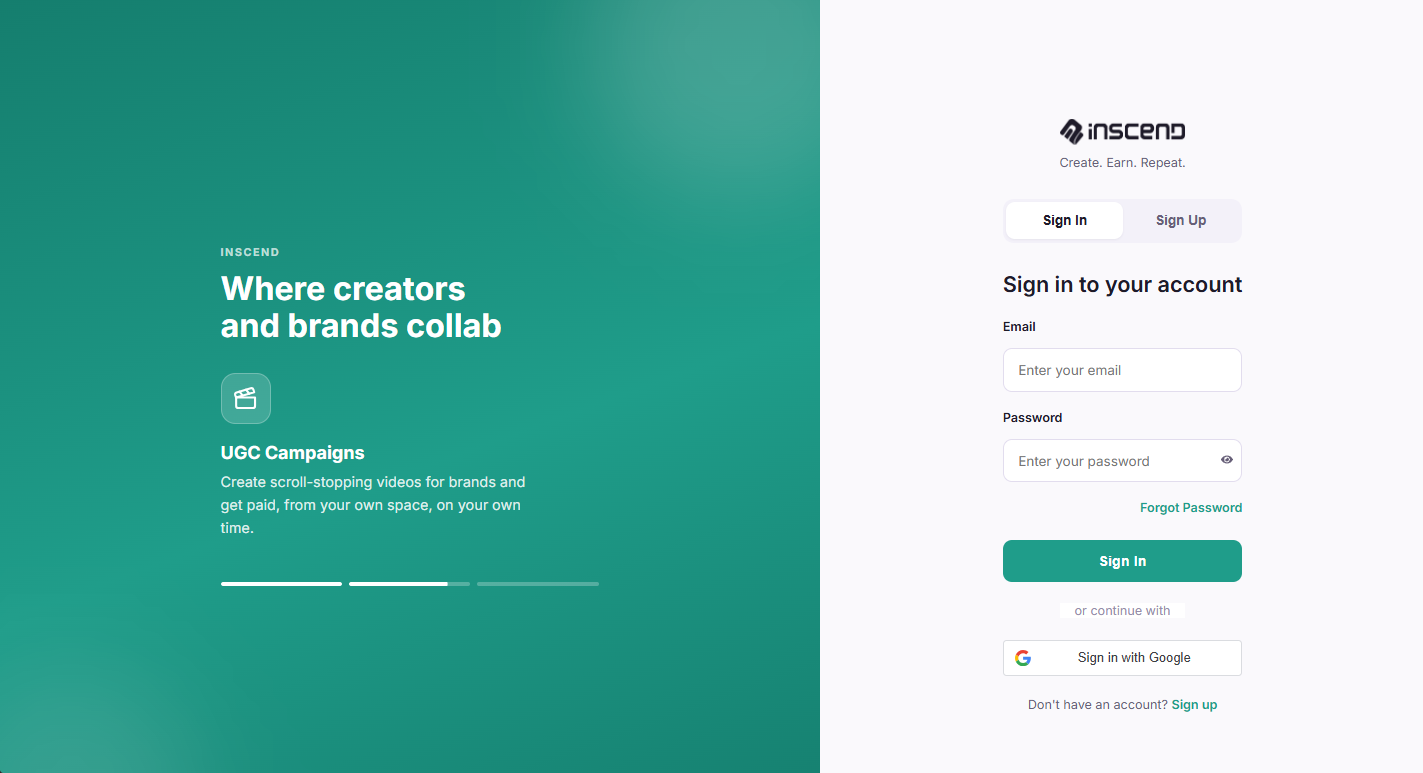
Sign up with your Google account
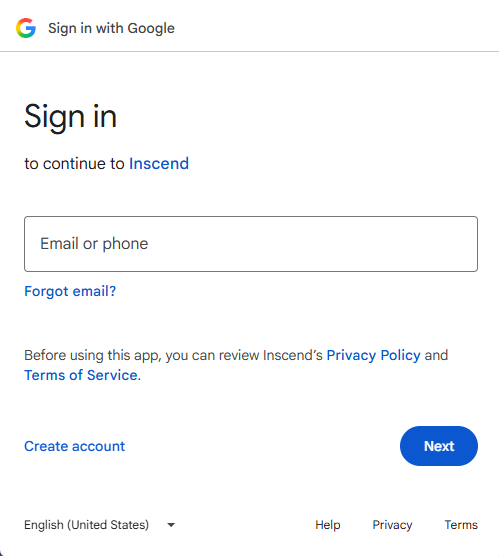
Click the "Continue with Google" button. Pick the Google account you want to use (like your Gmail).
You do not need to make a new password right now. Google logs you in safely.
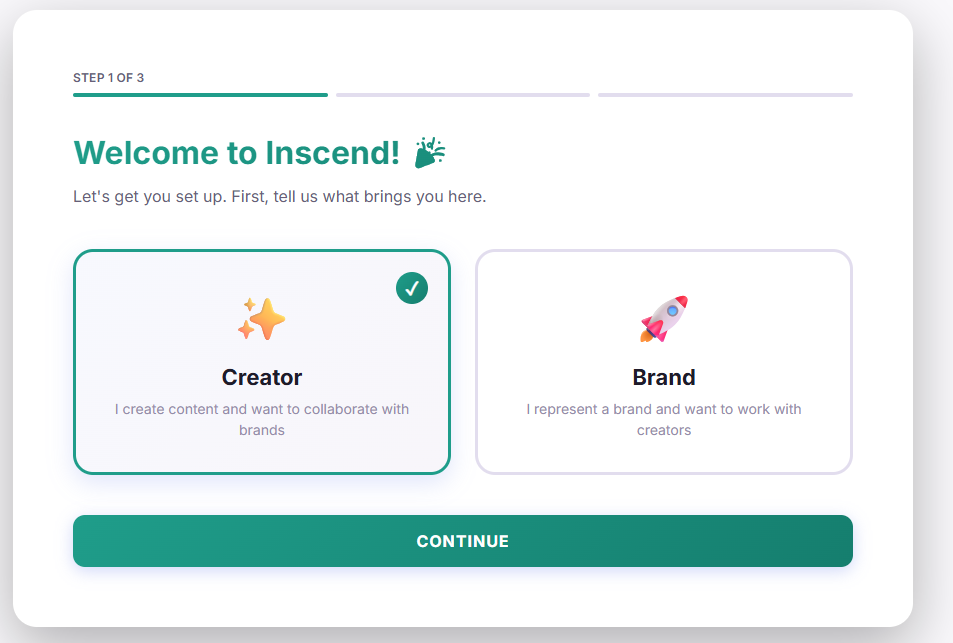
Choose "Creator" and fill in your details
Inscend will ask what kind of account you want. You will see two choices:
- Creator — pick this one. This is for people who make posts, reels, and videos.
- Brand — this is for companies. Do not pick this.
Next, fill in the short form:
- Your name
- Your phone number
- A password (so you can log in without Google too, if you want)
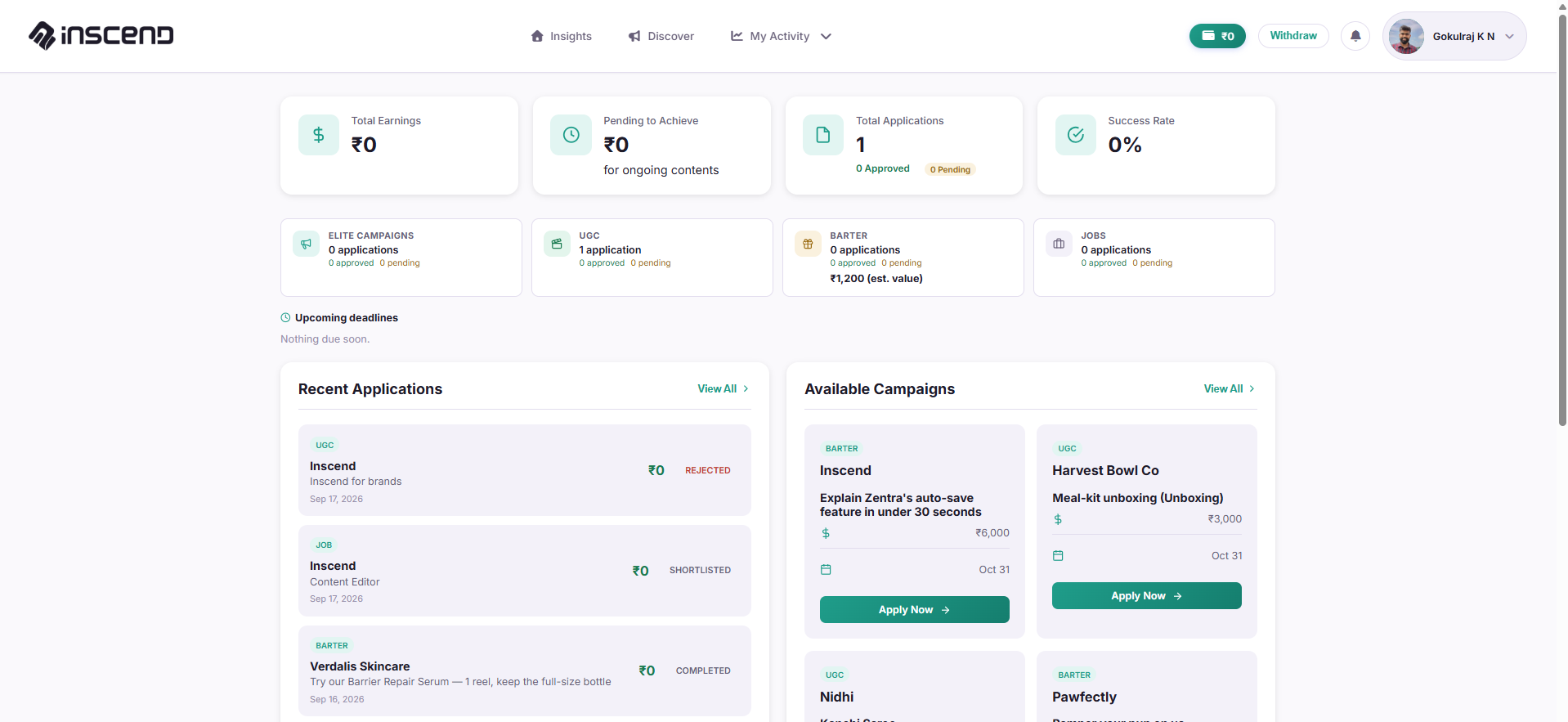
You're in! Meet your dashboard
Once you finish the form, you will land on your Insights page. This is your home screen. It is the first tab at the top of the page.
From here you can see everything: campaigns to apply for, your earnings, and your account settings.
Still stuck?
Our team is happy to help you directly. Reach out any time.